

4 Ways to Protect Your iPhone
September 23, 2026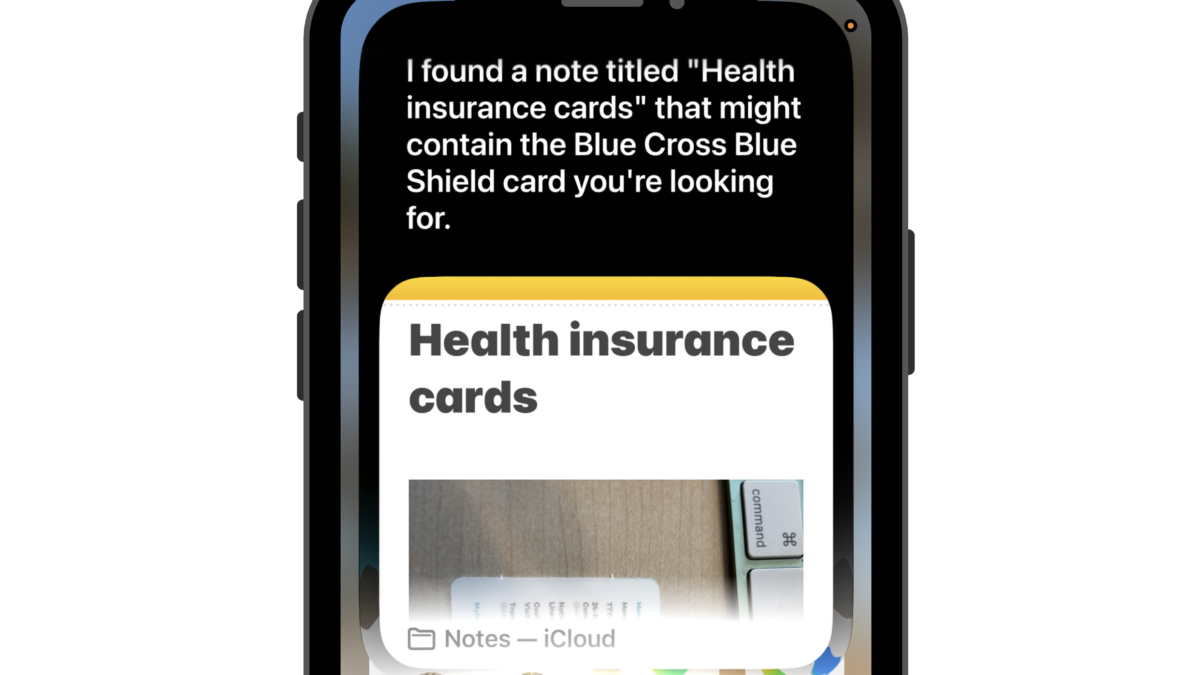
One of the biggest changes in Apple OS 27 is a completely redesigned Siri. The new Siri AI is designed to be more conversational, more helpful and much better at understanding what you’re asking.
How to use Siri
- Have a real conversation. Ask follow-up questions without having to start over each time.
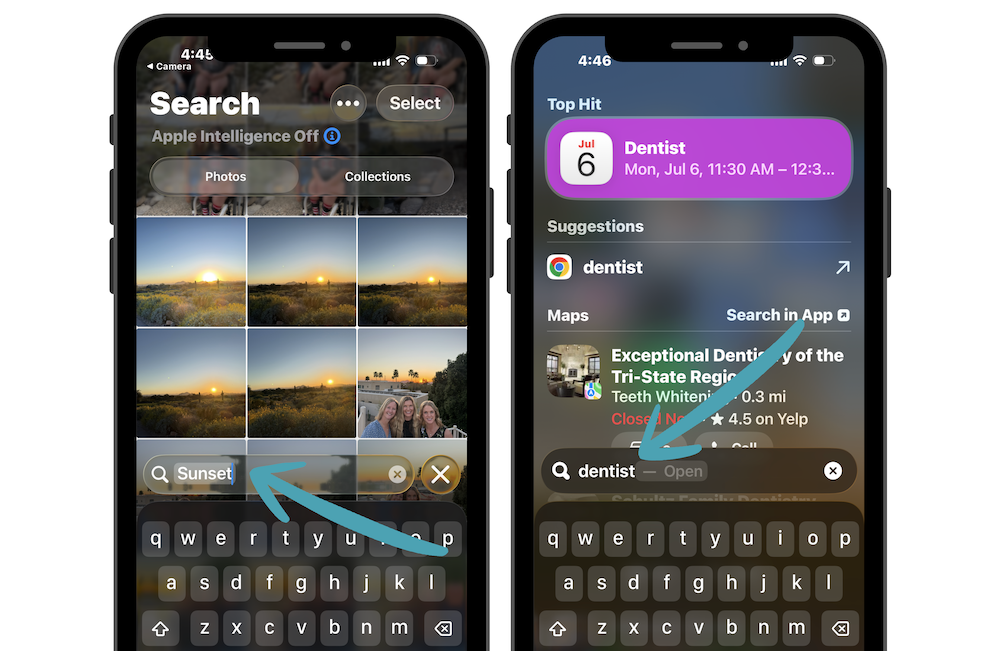
- Siri can help find information in places like Mail, Notes, Messages, Photos and Calendar. For example, you could ask Siri to find details about an upcoming flight buried in an email.
- Point your iPhone camera at something and ask Siri questions about what it sees.
- Get help writing. Siri can help draft, proofread or rewrite messages and emails.
- Siri can help with everyday tasks like creating reminders, sending messages and adding events to your calendar.
You May Need to Join the Waitlist
The new Siri AI is rolling out gradually, so you may not get access immediately after updating to iOS 27. If your iPhone is eligible, you may see an option to join the Siri waitlist. Once you join, Apple will notify you when the new features are ready to use on your device.
The new Siri also requires an Apple Intelligence-compatible iPhone, so you need an iPhone 15 or newer to access all these features.